
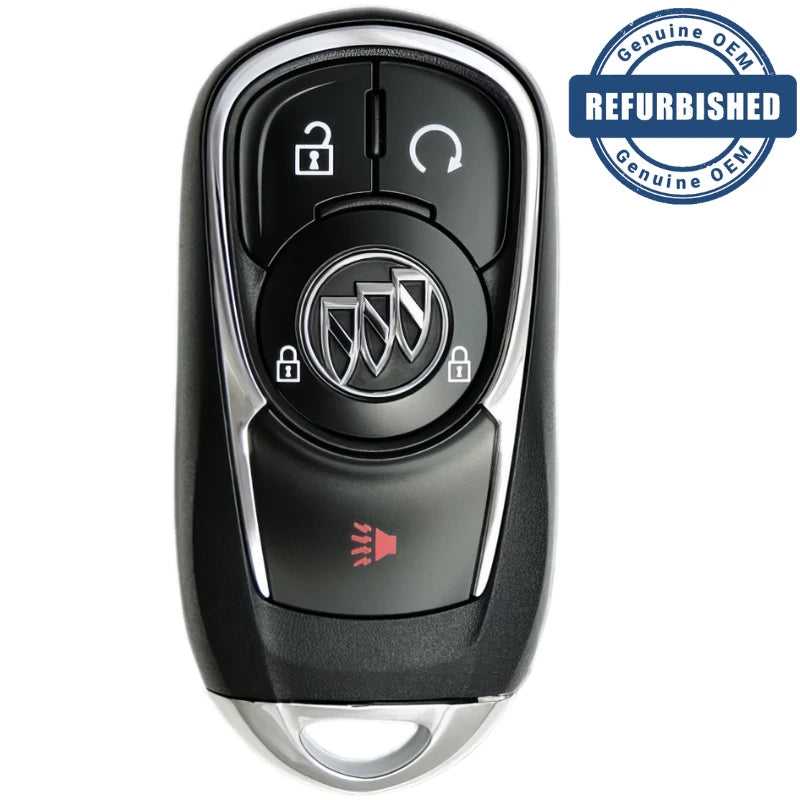
2017 Buick Encore Smart Key Fob - OEM New

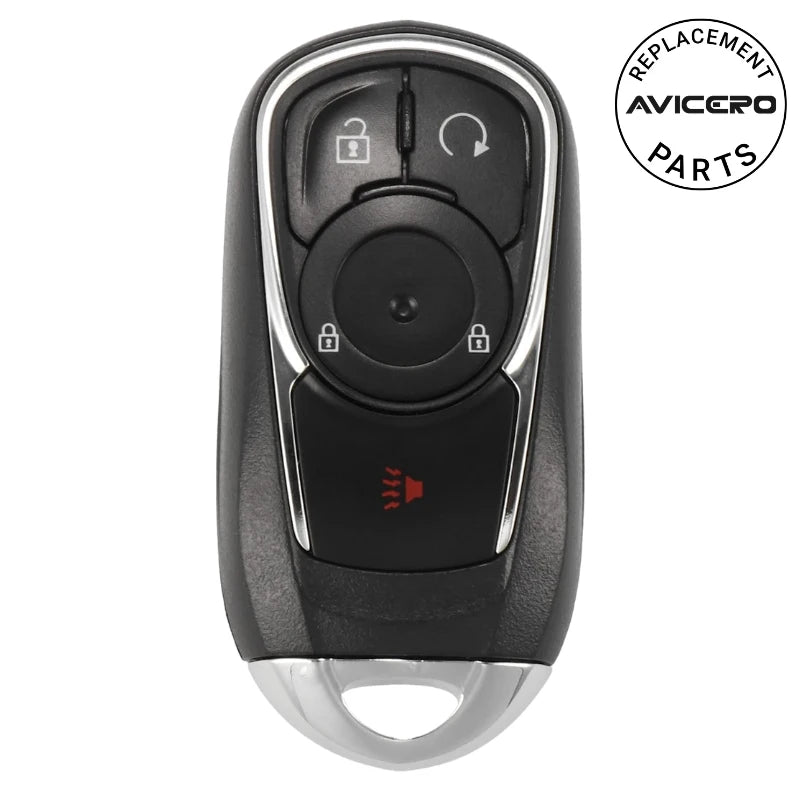
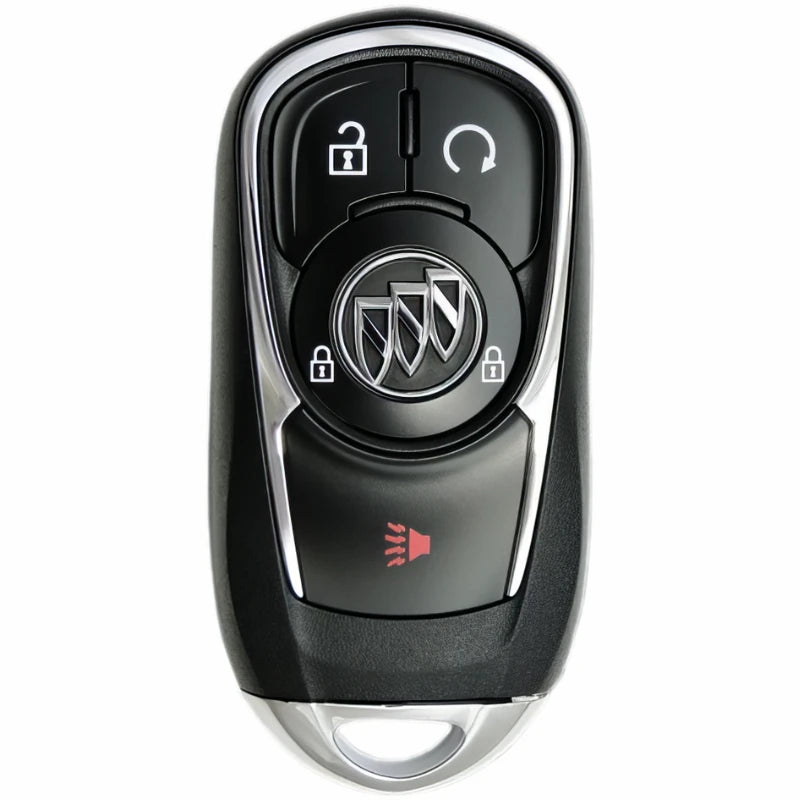
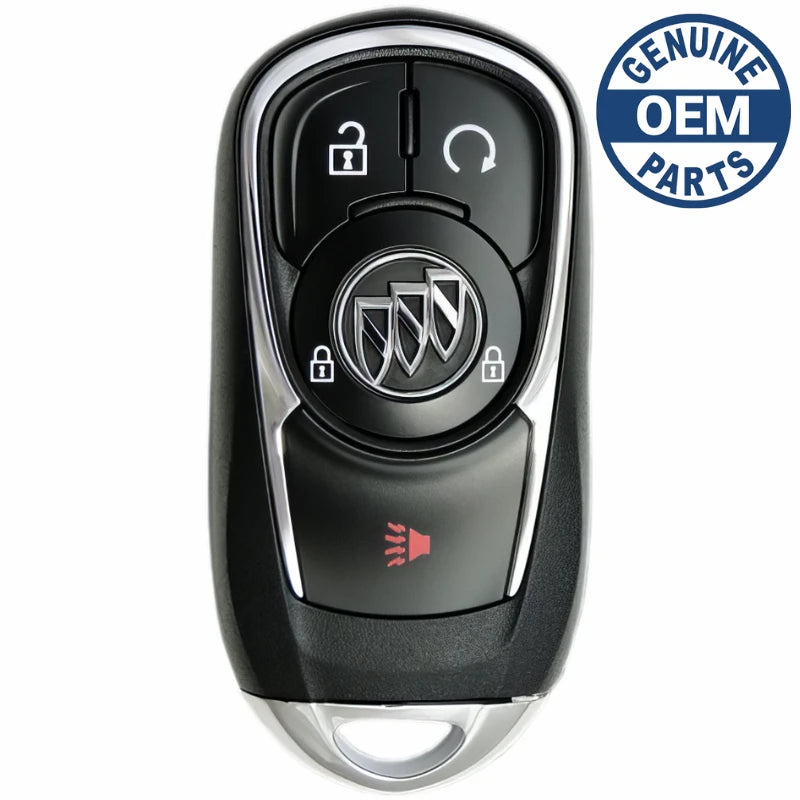
2017 Buick Encore Smart Key Fob PN: 13506665

OEM New
$119.95
Skip to product information
2017 Buick Encore Smart Key Fob - OEM New
1/6

2017 Buick Encore Smart Key Fob PN: 13506665

4.3 out of 5 · 1166 store reviews

$119.95
Shipping calculated at checkout.

In stock in New Jersey · ships with tracking

Is this your key?

  • Part number 13506665. Match it to the number on the back of your key or inside the battery cover. Keys that look alike can have different numbers.
  • Smart key. Push-button start. The key stays in your pocket.
  • 4 buttons: Lock, Unlock, Remote Start, Panic
Condition
Condition
  • Usually far less than the dealer charges. The price is for the part; programming is done separately.
  • Must be programmed to your car by a locksmith or dealer. We suggest a locksmith: usually faster and cheaper than the dealer. Find a locksmith near you
  • Battery CR2032, installed.
$119.95
On your registration, insurance card, or the driver-side dash. Questions? 386-586-3650
  • One part number per listing. What you order is the manufacturer part number shown, not a look-alike with the same FCC ID.
  • 30-day returns. Return policy
  • Ships from our New Jersey warehouse with tracking. Shipping options

What happens after you order

  1. We check it and ship it. We pick your part by its part number and ship it from our New Jersey warehouse, with tracking. Added your VIN? We check the part against your car first and contact you if anything doesn’t match.
  2. A locksmith or dealer programs it to your car. There is no do-it-yourself sequence for this one: it needs a programming tool plugged into the car. An automotive locksmith usually costs less than the dealer and often comes to you. Programming isn’t included in our price, so ask for a quote first. What to say when you call: “I have a new 2017 Buick Encore Smart Key Fob, part number 13506665. I need it programmed to my car. How much, and when can you do it?” Find an automotive locksmith near you
  3. Done. Still stuck? We help. Call 386-586-3650 or email help@remotesandkeys.com. If it won’t work with your car you have 30 days to return it.

Questions before you buy

How do I know this fits my car?

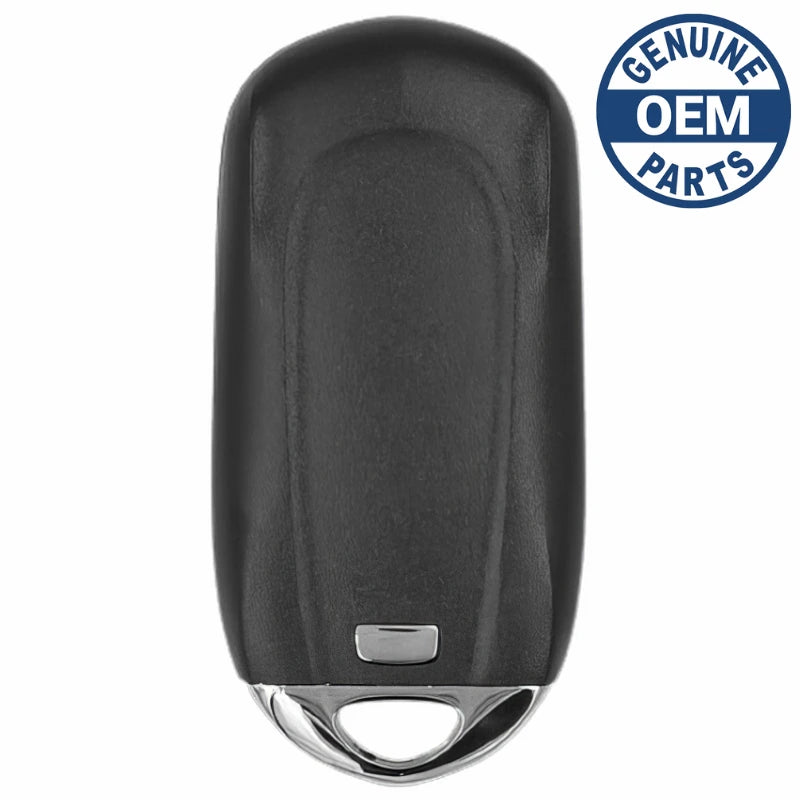
Look at the back of your current smart key, or inside the battery cover. If the part number (13506665) or the FCC ID printed there matches the one in the specifications on this page, it’s the right part.

Lost your key, or can’t read it? Type your VIN when you order and we check it before we ship. Your VIN is on your registration, insurance card, or the driver-side bottom of the windshield.

Which condition should I choose?

All conditions do the same job in your car: same buttons, programmed the same way. The difference is how it looks and what it costs.

  • OEM New: a genuine factory part from the car maker, never used. The same as the dealer’s, usually for less.
  • OEM Refurbished: genuine part, restored and tested by a locksmith, with a new battery. Works and programs just like OEM new. Comes in a logo case when we have one, otherwise a new case without the logo.
  • Aftermarket New: a new copy built to the same spec, without the car maker’s logo. The lowest price.
Do I need to program it, and how much does that cost?

Yes, a new key or remote has to be programmed to your car before it works. This one has no do-it-yourself sequence: a locksmith or dealer connects a programming tool to the car. Prices vary by area, so call one or two automotive locksmiths for a quote; they are usually cheaper than the dealer.

Will my old keys still work?

Bring every key you want to keep using when the new one is programmed. On many cars programming clears any key that isn’t there at the time.

What if it doesn’t work with my car?

Call us first. Most problems are solved on the phone. If the part doesn’t fit or won’t program to your car, you can return it within 30 days. See our return policy.

How fast will I get it?

In-stock orders ship from New Jersey with tracking. Shipping options and prices are shown at checkout before you pay.

Specifications

Part number
13506665, 13532383, 5944125
FCC ID
HYQ4AA
Buttons
4 (Lock, Unlock, Remote Start, Panic)
Frequency
315 MHz
RF transmission
Rolling Code (315 MHz ASK)
Transponder chip
ID46 (Hitag2)
Blade
High Security
Battery
CR2032
Key programming
You can do it with 2 working keys

The part number and FCC ID are printed on the back or inside your current remote. Match either one and it’s the right part.

About this part

FCC ID: HYQ4AA 

Buick Part Number: 13506665

Brand: Buick

This remote features 4 buttons: Lock, Unlock, Panic, Hatch. This remote sends it's signals on a frequency of 315Mhz. This remote will work for your vehicle if your vehicle is equipped with factory smart keyless entry.


Programming Procedure:

Since your vehicle is not onboard programmable or you need key cutting, you will need a dealer or automotive locksmith to program the vehicle to accept the replacement remote or key or to cut a key. Please use an automotive locksmith rather than the dealer. You are likely to get a better service for a more reasonable price.
Locksmiths make their prices based on their local market as well as the cost of the equipment used for you cutting or programming. Locksmith equipment for key cutting and vehicle programming is very expensive and most of the charge is to compensate them for their initial equipment investment.
An automotive locksmith will program your New remotes or keys by hooking up an expensive scan tool to your vehicle computer and making the vehicle learn the New remotes or keys.


The following vehicles can use this remote when equipped with the factory keyless entry system:
Buick Encore (2017-2020)

How to program it: Programming Procedure #176
Programming with Recognized Transmitters
A new transmitter can be programmed to the vehicle when there are two recognized transmitters. To program, the vehicle must be off and all of the transmitters, both currently recognized and new, must be with you.
  1. Place the two recognized transmitters in the cupholder.
  2. Insert the vehicle key of the new transmitter into the key lock cylinder on the driver door handle and turn the key, counterclockwise, to the unlock position five times within 10 seconds. The DIC displays READY FOR REMOTE #2, 3, 4, or 5.
  3. Remove the two recognized transmitters from the cupholder.
  4. Place the new transmitter in the cupholder.
  5. Press ENGINE START/STOP. When the transmitter is learned, the DIC will display that it is ready to program the next transmitter.
  6. Remove the transmitter from the transmitter pocket and press the transmitter Lock button. To program additional transmitters, repeat Steps 4–6. When all additional transmitters are programmed, press and hold ENGINE START/STOP for 10 seconds to exit programming mode.

Programming without Recognized Transmitters
If two currently recognized transmitters are not available, follow this procedure to program up to eight transmitters. This feature is not available in Canada. This procedure will take approximately 30 minutes to complete. The vehicle must be off and all of the transmitters to be programmed must be with you.
  1. Insert the vehicle key of the transmitter into the key lock cylinder on the outside of the driver door and turn the key to the unlock position five times within 10 seconds. The DIC displays REMOTE LEARN PENDING, PLEASE WAIT
  2. Wait for 10 minutes until the DIC displays PRESS ENGINE START BUTTON TO LEARN and then press ENGINE START/STOP. The DIC will again show REMOTE LEARN PENDING, PLEASE WAIT.
  3. Repeat Step 2 two additional times. After the third time, all previously known transmitters will no longer work with the vehicle. Remaining transmitters can be relearned during the next steps. The DIC display should now show READY FOR REMOTE # 1.
  4. Place the new transmitter in the front cupholder.
  5. Press ENGINE START/STOP. When the transmitter is learned, the DIC will show that it is ready to program the next transmitter.
  6. Remove the transmitter from the cupholder and press Lock. To program additional transmitters, repeat Steps 4–6. When all additional transmitters are programmed, press and hold ENGINE START/STOP for 10 seconds to exit programming mode.

What customers say

4.3 out of 5 from 1166 verified store reviews

Read all 1166 reviews on Judge.me