Hello Sergey,
Thank you for your review and for sharing the details of your experience.
We understand the challenges you've faced, and we're here to help. Our customer support team is available 45 hours a week and typically handles these types of technical concerns directly. We’ve also recently updated our programming instructions to better guide users through the process, especially when programming multiple remotes.
Assuming you've successfully completed the chip (immobilizer) programming, please follow the revised steps below for remote programming. Pay special attention to step 6:
1. Begin with keys out of ignition.
2. Close all doors.
3. Open driver side door and leave open.
4. Perform the following steps within 24 seconds:
a. Insert key in ignition
b. Turn key to ON and OFF three times.
c. Leave the key in the ignition.
d. Close and open the door three times.
5. The doors should automatically lock and unlock at this point, signaling that the vehicle is now in programming mode. If not, wait 40 seconds and repeat step 4.
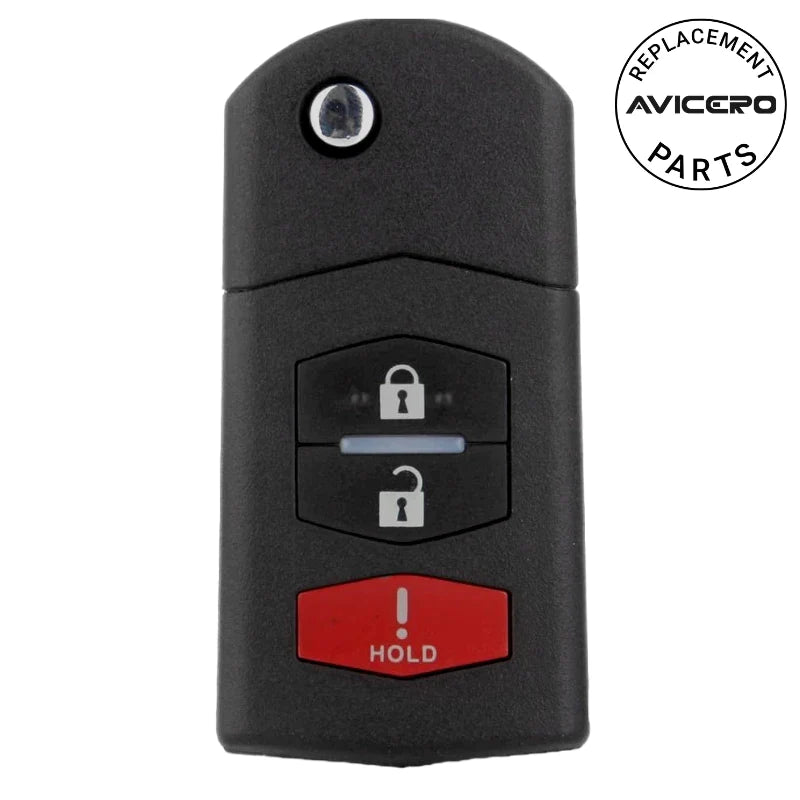
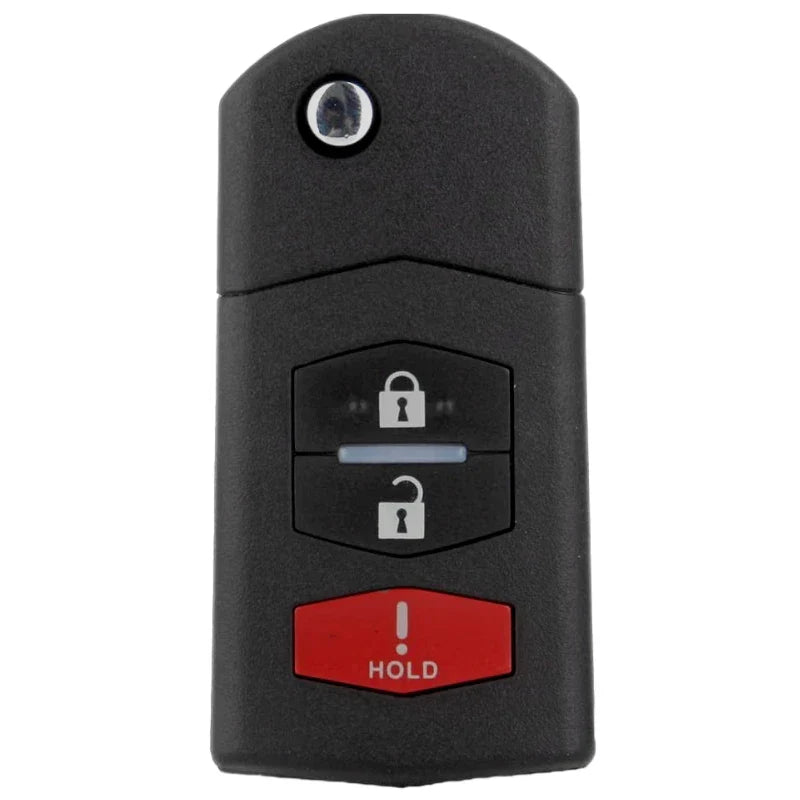
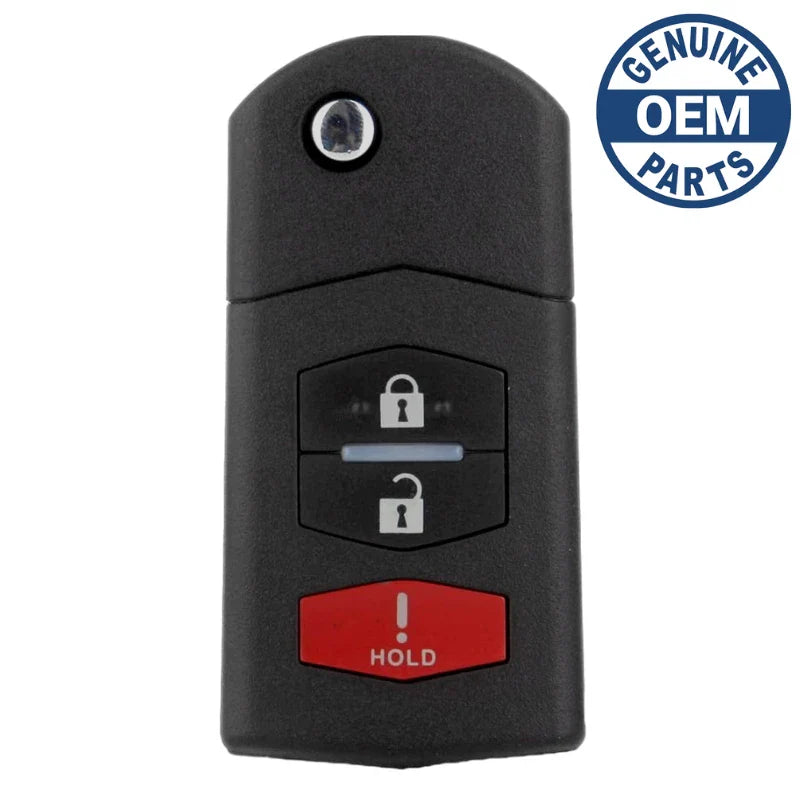
6. All transmitters need to be programmed at this time, including the old ones. Push any button on a transmitter two times. The door lock actuators should lock then unlock at this point, signaling that the vehicle has accepted the new transmitter code.
a. If there is only one transmitter, press any button on the same transmitter twice until the door lock actuators lock then unlock. Repeat this step one last time with the same transmitter for a total of three programmings.
b. If there are two transmitters, press any button on the second transmitter twice until the door lock actuators lock then unlock. Repeat this step one last time with the second transmitter for a total of three programmings.
c. If there are three transmitters, press any button of the second and third transmitters twice (one after another) until the door lock actuators have cycled for each of the three transmitters.
7. Close the door and test each remote. If one or more remote is not working, repeat the programming procedures.